2026 - Product Design / Vibe Coding

Kanonly
Privacy-first Kanban desktop app for Windows. Organize your work in visual boards without depending on the cloud. Open-source version available on GitHub.
— Role sheet
- Role
- Product Designer
- Team
- Solo project
- Duration
- 30 days (MVP in 5)
- Platform
- Windows (local)
- What I did
- Everything: design and AI-assisted development
— Context
The problem: offline organization that works
There are hundreds of Kanban tools on the market, but most require an internet connection or a monthly subscription, or store your data on third-party servers. For small teams, freelancers and professionals who value their privacy, there isn't a truly local, free and well-designed option.
Kanonly was born from that need: a Kanban board that works 100% offline, with local persistence, a modern interface and real productivity — no trackers, no cloud. It's free, open-source and all features are available to every user.
— Solution
A desktop app that's fast, lightweight and private
Kanonly is built with Tauri (Rust) for native performance and a lightweight binary, with React 19 on the frontend for a fluid and interactive user experience. Persistence is handled with local SQLite, which means your data never leaves your machine.
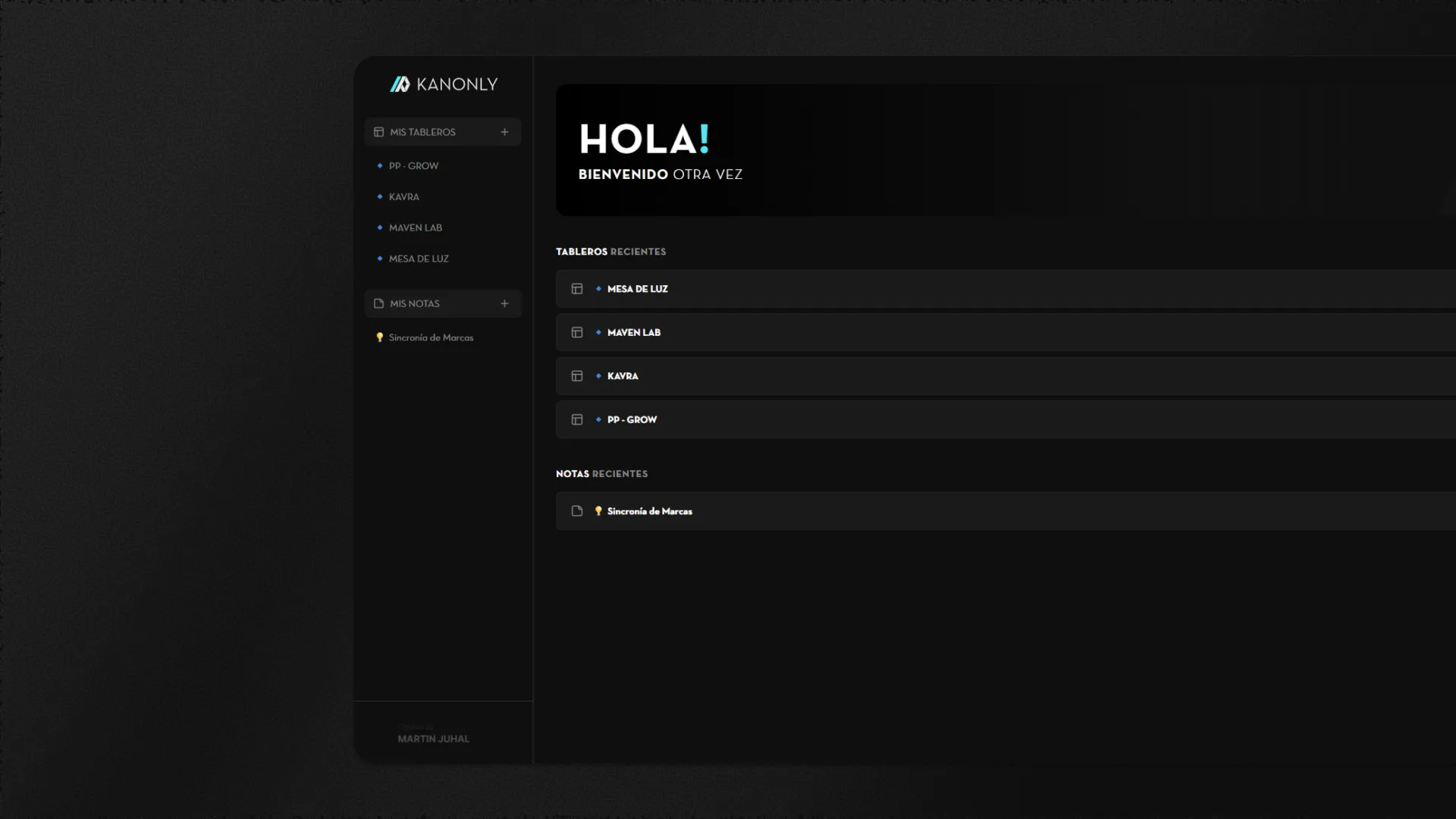
The visual design follows principles of clarity and hierarchy: dark backgrounds, lime green accents for active states, legible typography and generous spacing that reduce visual fatigue during long work sessions.
— Features
Everything you need to manage projects
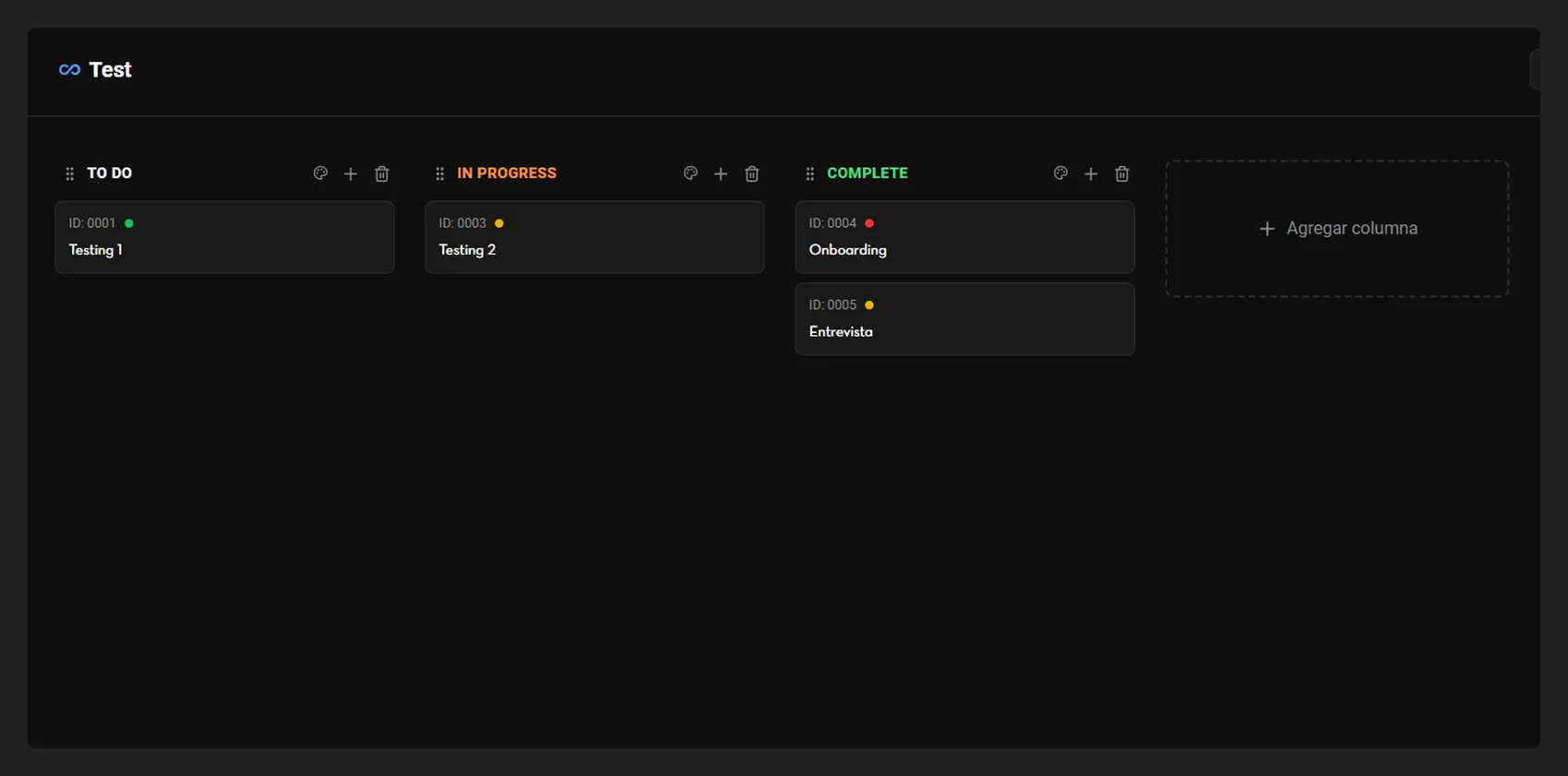
Unlimited Kanban boards
Customizable columns with native drag-and-drop. Reorder tickets and columns with total freedom.
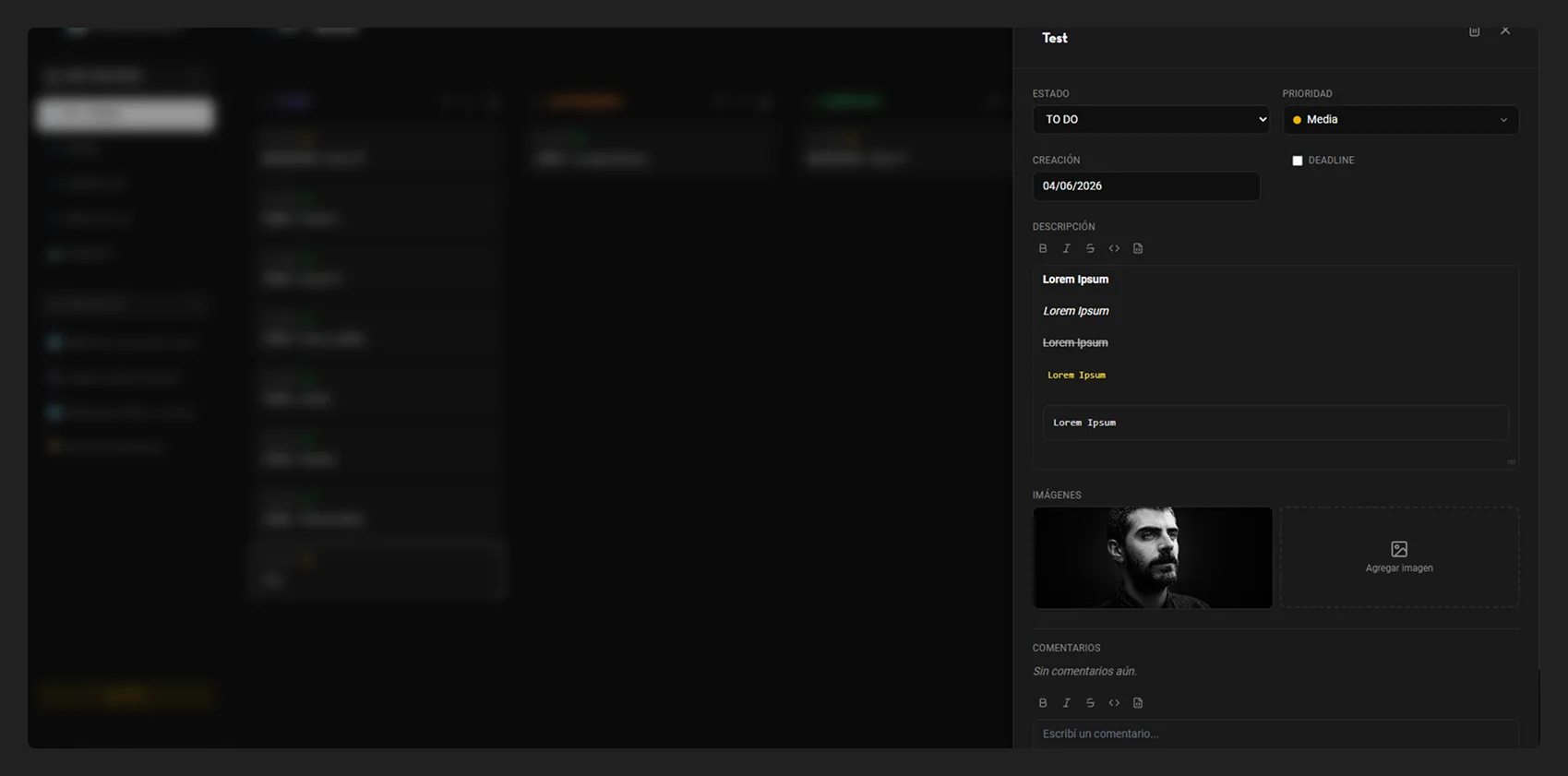
Rich-text editor
WYSIWYG with bold, italic, strikethrough, inline code and code blocks. Professional formatting without leaving the app.
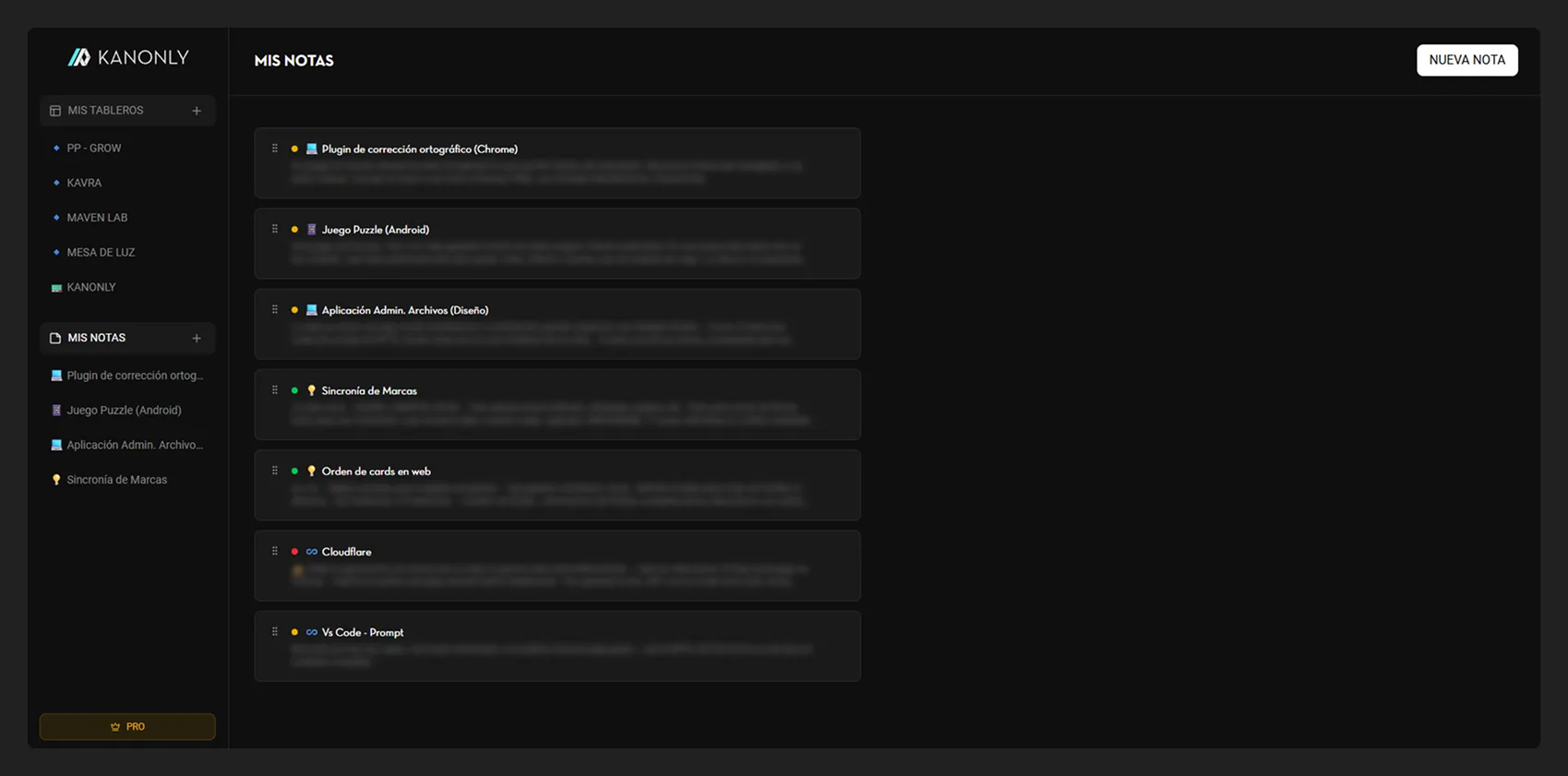
Independent notes
Standalone notes with drag-and-drop reordering, perfect for quick ideas, brainstorming or free-form documentation.
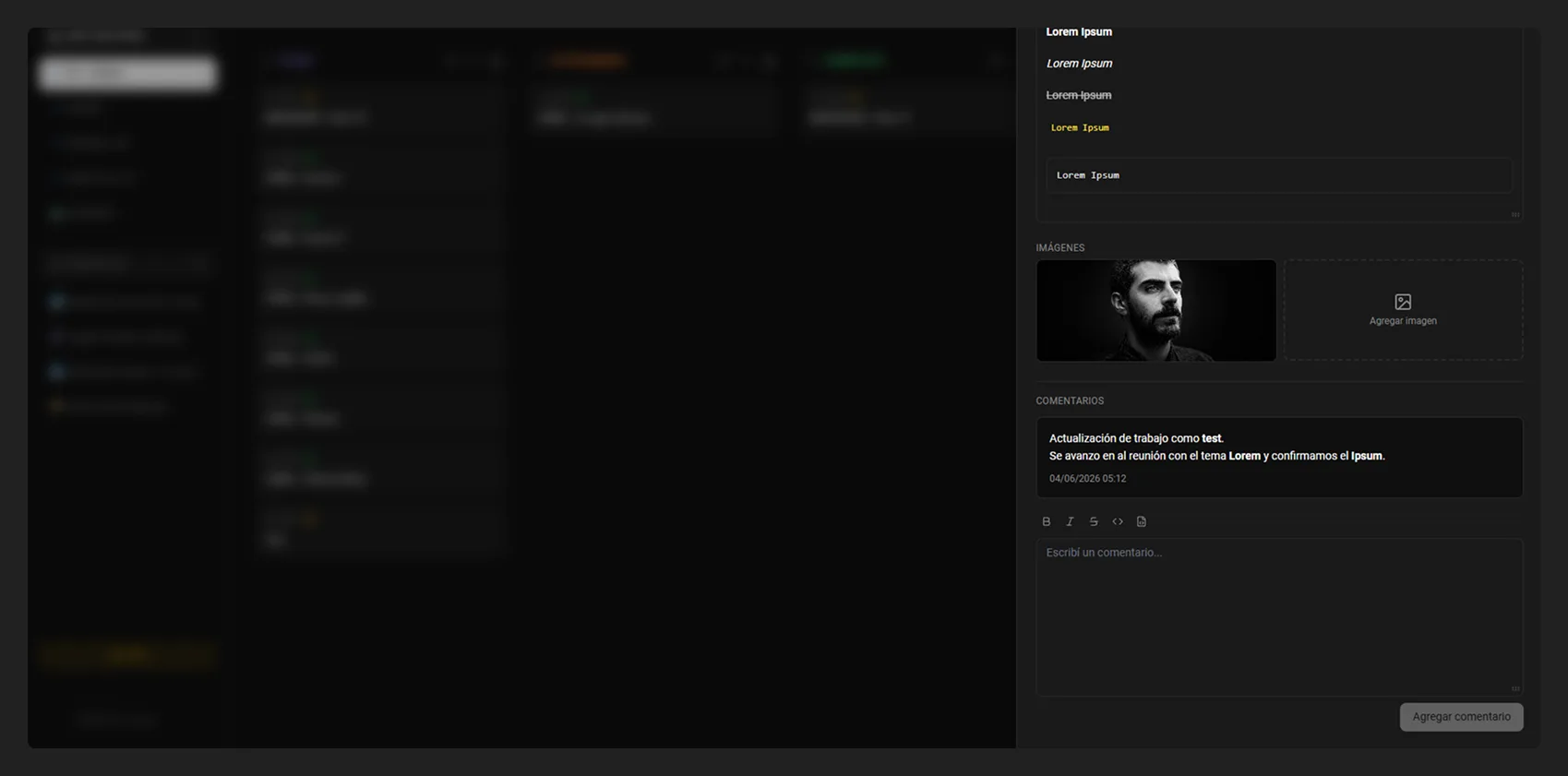
Comments with timestamps
Comment system on tickets and notes with date and time. Complete decision tracking.
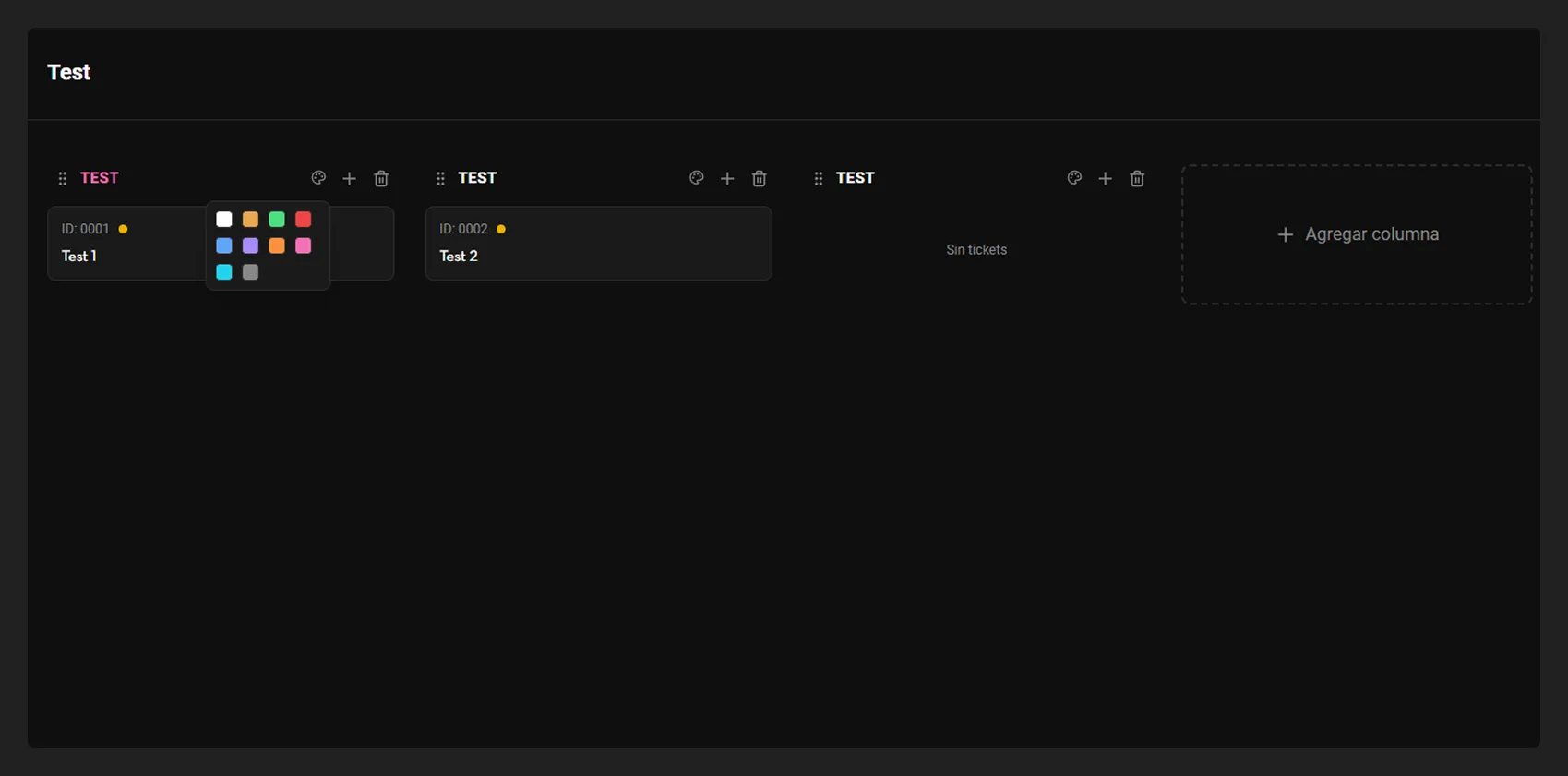
Column colors
10-color selector per column for immediate visual organization. Each project with its own identity.
— Tech stack
Technologies behind Kanonly
The Tauri + Rust combination generates a ~3.4 MB bundle (vs. Electron's 100–200 MB) with minimal memory usage. React 19 and Vite offer fast build and hot-reload times. Zustand handles global state without boilerplate, @dnd-kit provides accessible and customizable drag-and-drop, and @tauri-apps/api connects the frontend with native Rust commands. SQLite ensures all data remains local, while the i18n system automatically detects the system language (ES/EN).
— Results
Development and launch
30
days from first commit to launch on the Microsoft Store
~3.4MB
app bundle, thanks to Tauri instead of Electron
— Key decisions
Decisions that shaped the project.
100% local persistence — no cloud, no accounts
The problem
Dominant Kanban tools solve persistence with their own servers: accounts, subscriptions and user data in third-party hands. Kanonly was born precisely to break that pattern, so the data architecture was the foundational decision.
The options
- —Cloud backend with accounts: enables multi-device sync, but breaks the privacy promise and adds server costs
- —Flat files (JSON) on disk: simple and portable, but fragile for relationships between boards, tickets, notes and comments
- —Embedded local SQLite: a real relational database inside the app, no server, no network
The decision
I chose local SQLite: data never leaves the user's machine and the app works without internet from day one. It gave me a robust relational database for boards, tickets, notes and comments without running any server. What I give up is multi-device sync: each installation is an island, and that's on purpose.
Tauri over Electron — weight as a product decision
The problem
For a desktop app with a modern web UI, the standard path is Electron. But a tool that promises to be fast and lightweight can't start by weighing hundreds of megabytes before the user creates a single ticket.
The options
- —Electron: the de facto standard with a huge ecosystem, but 100-200 MB bundles and high memory usage
- —Web app/PWA: zero installation, but browser-dependent and not a fit for a native, offline desktop experience
- —Tauri (Rust): a lightweight native binary on the system webview, with React on the frontend
The decision
I chose Tauri with Rust and React 19 on the frontend: the bundle came in at ~3.4 MB versus Electron's 100-200 MB, with minimal memory usage. I gave up the most traveled path and Electron's ecosystem maturity, but lightness wasn't a technical detail: it was a core part of the product's promise.
Free and open-source — no freemium
The problem
The Kanban market is dominated by monthly subscriptions and features locked behind paywalls. I had to decide how Kanonly would be distributed without repeating the very pattern the product was pushing back against.
The options
- —Freemium: free with paid premium features, the dominant model, but it fragments the experience across users
- —One-time payment: direct revenue, but it adds adoption friction and license management
- —Free and open-source: no direct revenue, but consistent with the privacy-first pitch and zero entry friction
The decision
I chose free and open-source, with every feature available to every user. If the problem was that existing tools charge subscriptions and hold user data, the solution couldn't do the same thing with a friendlier face. What I give up is any direct revenue from the product.
— Next steps
Try Kanonly today
Available for free on the Microsoft Store. No accounts, no cloud, no complications.