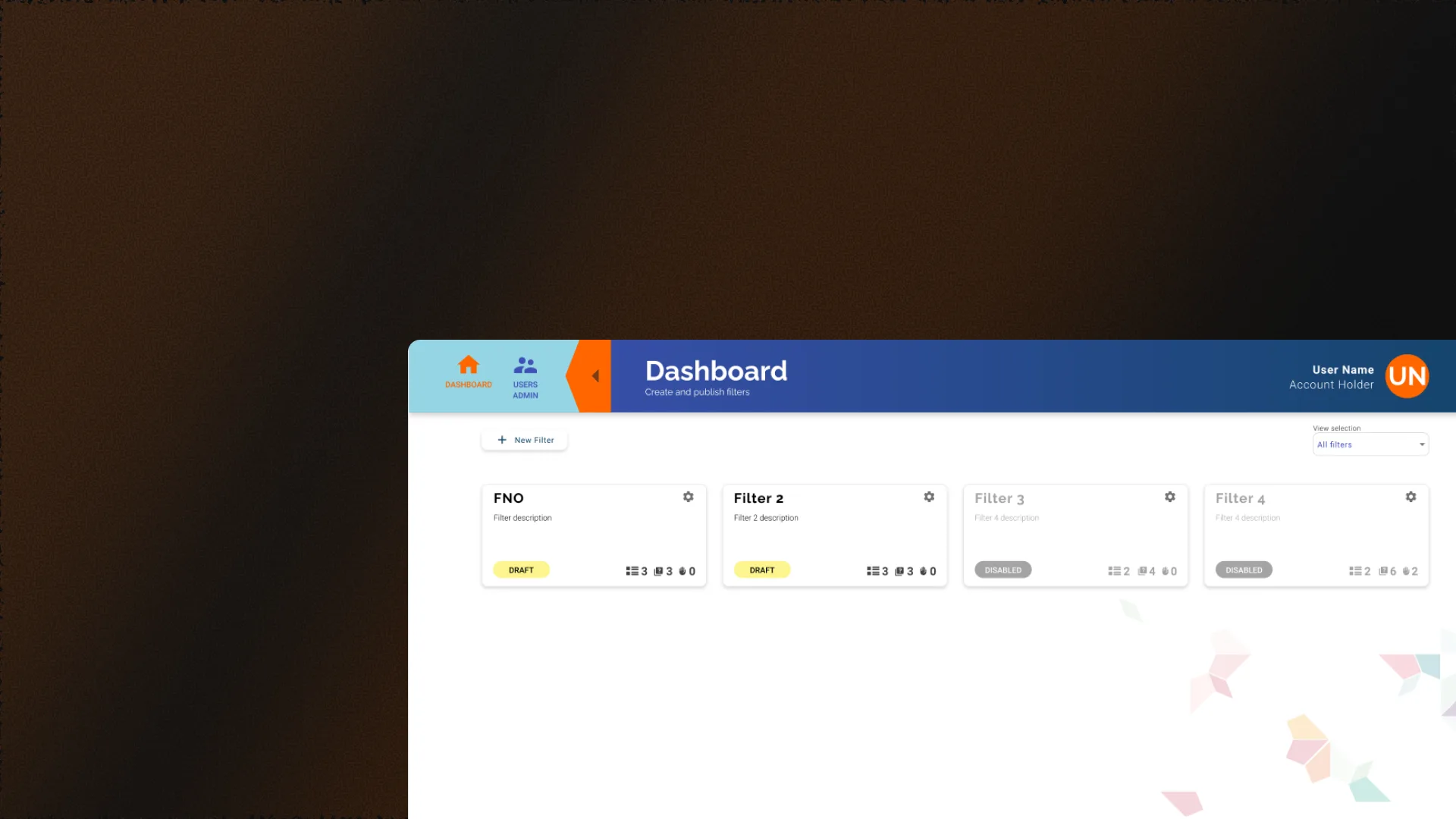
2022 - UX/UI Design / Dashboard
Impact Suite
Dashboard for a Dutch NGO. Create social and humanitarian surveys, send them to the community and collect responses to make data-driven decisions.
— Context
An NGO that needed to listen to its community
FNO Zorg voor Kansen is a Dutch NGO working on social and humanitarian projects. They needed a tool to create surveys, send them to the community and analyze responses to guide their decisions.
The challenge was to design a dashboard that lets any team member create complex surveys without technical knowledge, and lets end users respond from any device.
— Solution
A dashboard to create, send and analyze surveys
A complete web dashboard was designed in English where the NGO team can create customized surveys, define different question types, manage recipients and visualize results in real time.
The interface was designed for users with little technical experience: clear flows, descriptive buttons, visual validations and accessible language. The entire design was done in English as required by the Dutch client.
— Features
Tools designed for social impact
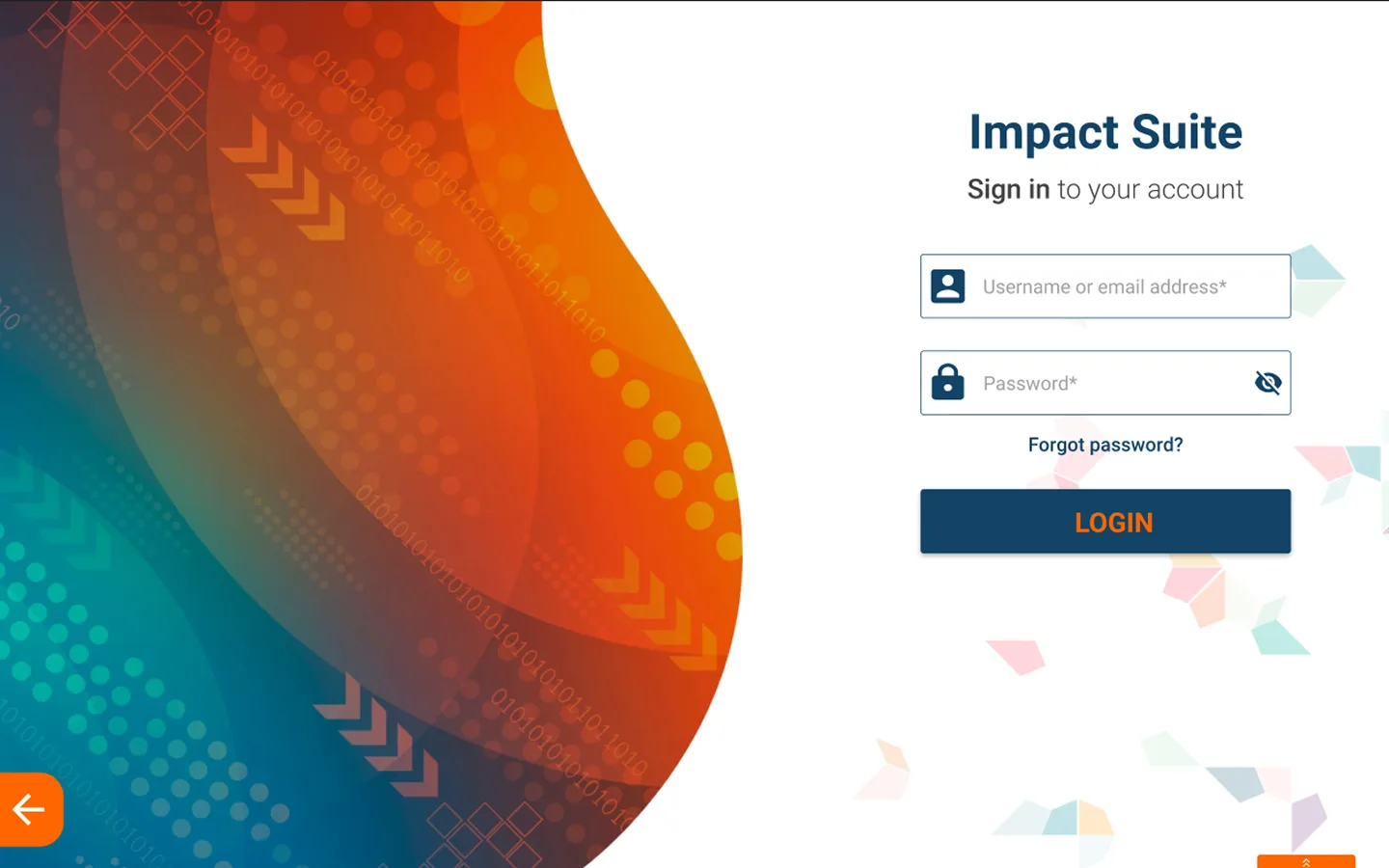
LoginSecure access for the team
Login screen with secure authentication. Clean design that builds trust from the first contact and prepares the user for a professional experience.
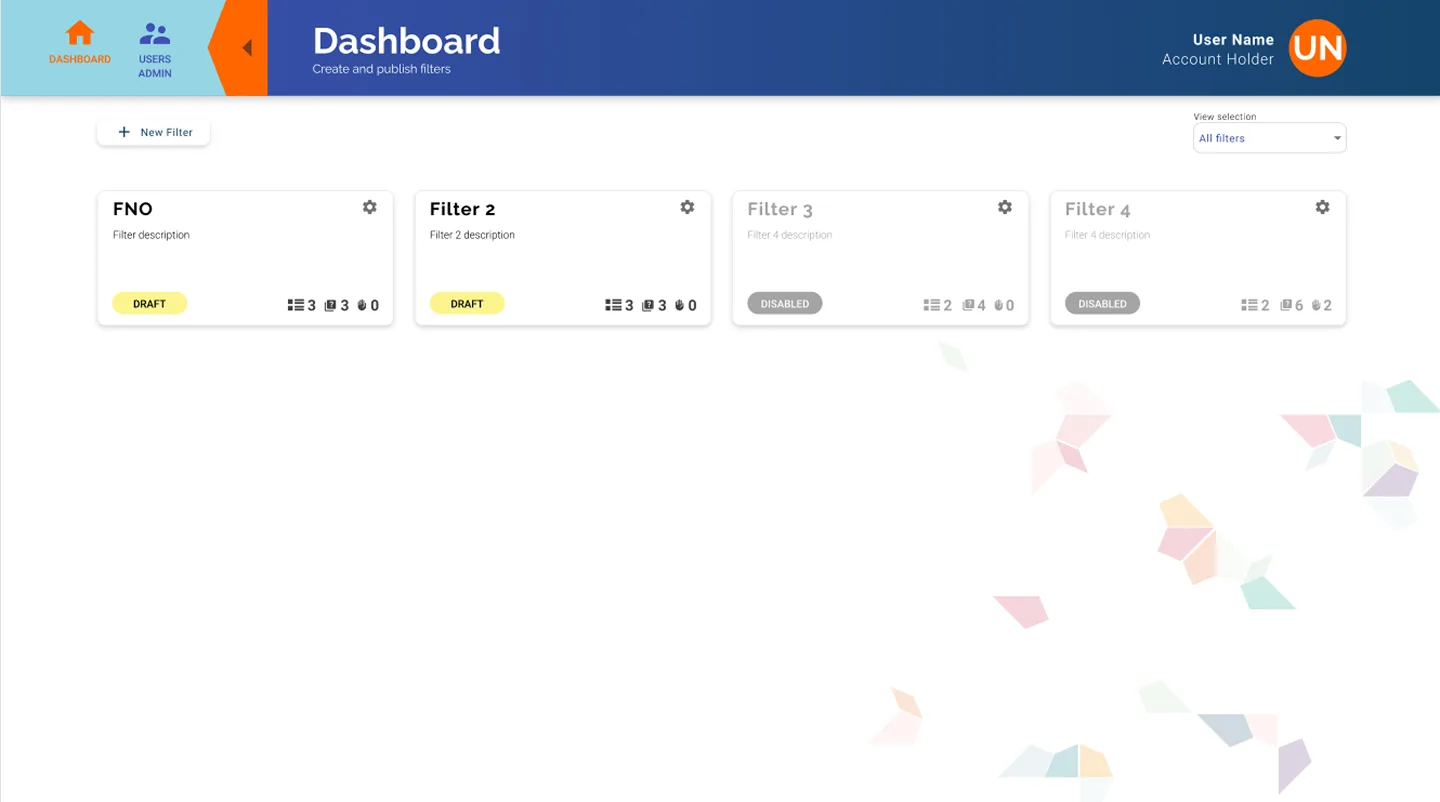
DashboardSurvey overview
Main screen with summary of active surveys, received responses and key statistics. The NGO team can see the status of each survey at a glance.
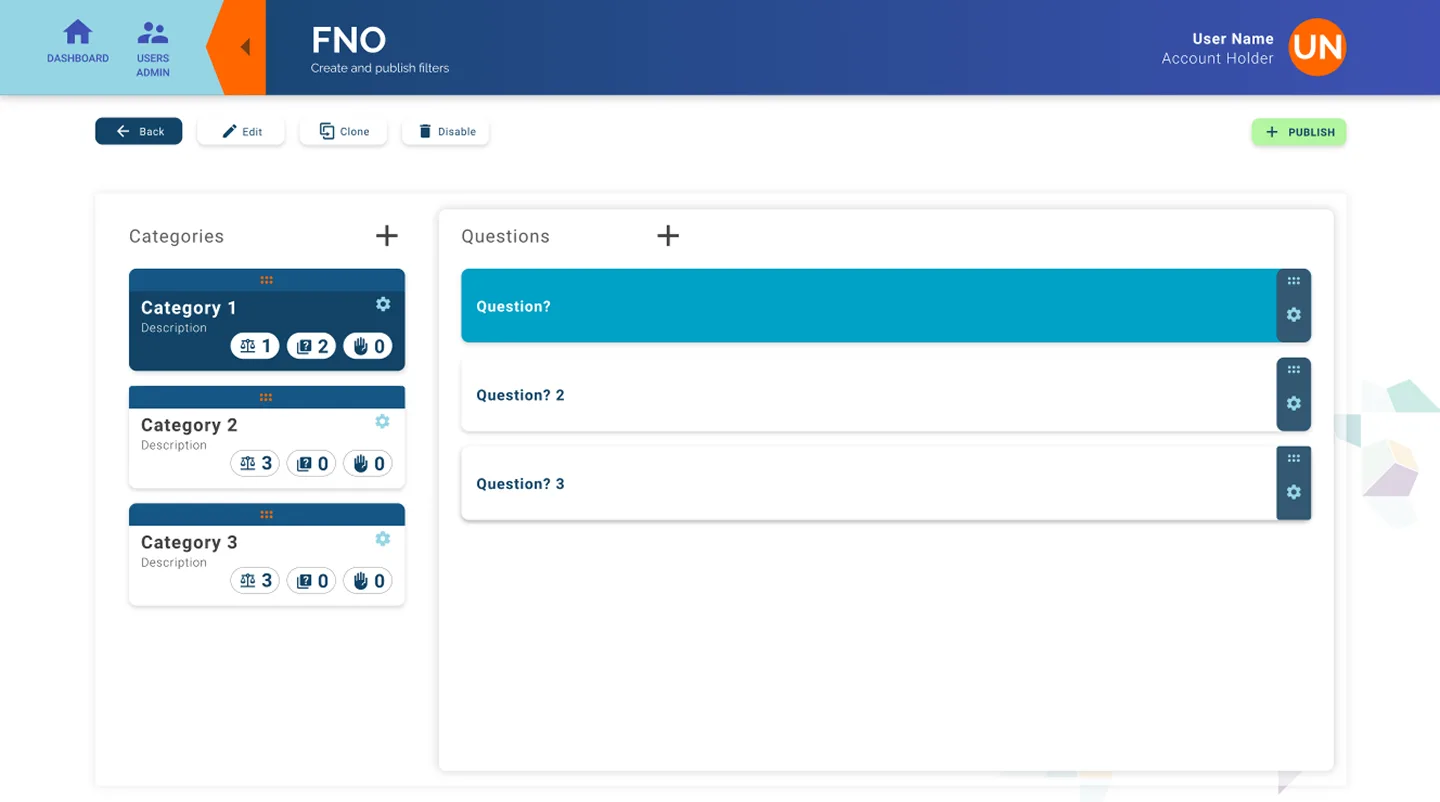
Survey builderVisual constructor
Survey creation system with different question types, configurable order and real-time preview. The team can build complex surveys without writing code.
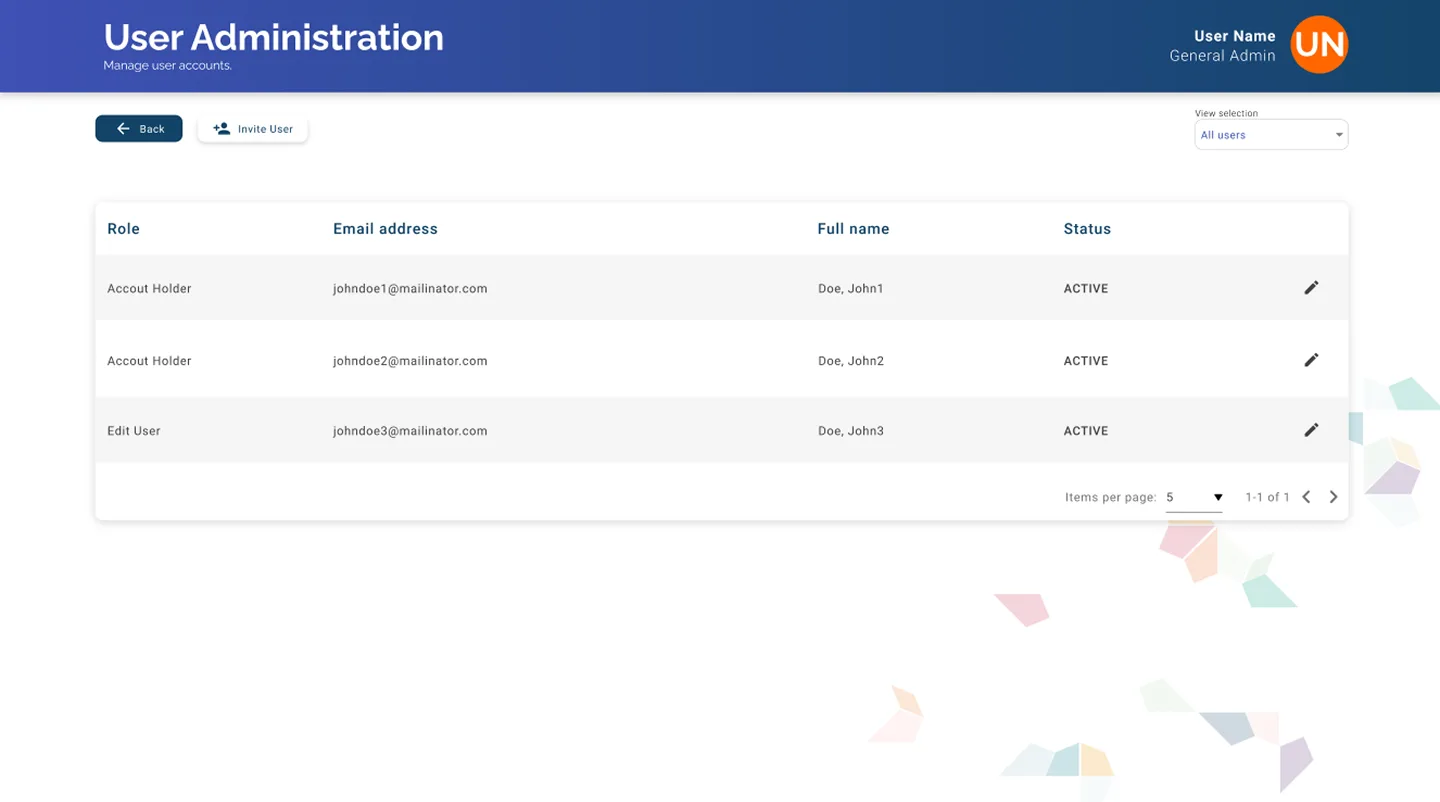
Role managementLevel-based administration
User administration panel with differentiated roles. Some members can create surveys, others can only view results. Clear and secure access control.
— Tech stack
Design and prototyping
All dashboard design and interactive prototyping were done in Adobe XD. Visual assets, iconography and interface elements were created with Adobe Photoshop and Illustrator.
— Next steps
Learn more about Impact Suite
Dashboard for a Dutch NGO. Creation and management of social and humanitarian surveys, distribution to users and response collection to make data-driven decisions.